Review findings
Photos and findings Ready
Final changes Review
Review
Look through the inspection work and make the final report changes.
 MODISPEC
MODISPEC REPORTS
The photos and findings from the inspection are already connected to the job. Review the work, make the final changes, and publish when it is ready.
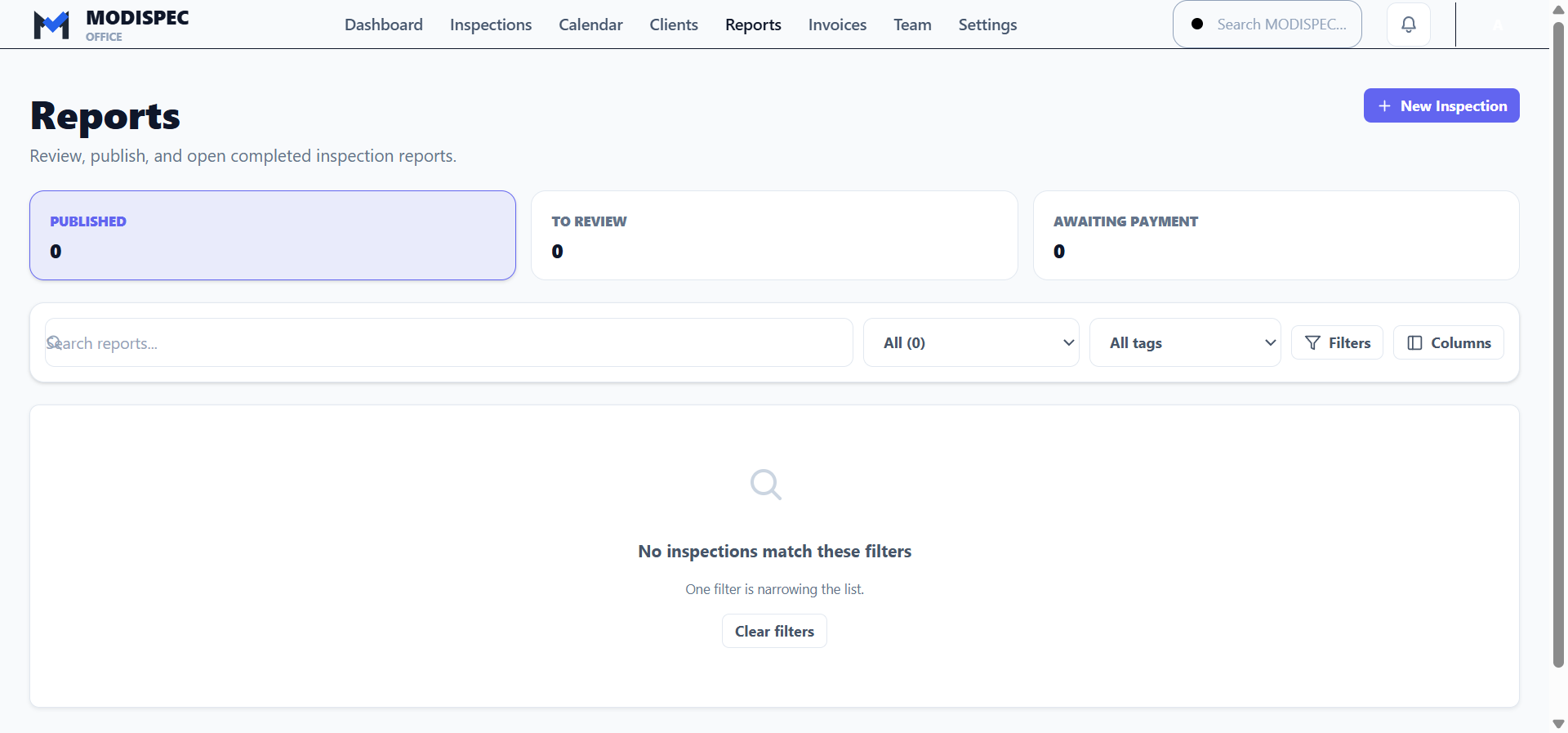
A reports workspace for published work, reports to review, and payment status where it is available.
Reports is not a second inspection list. It is where the work after the inspection is reviewed, published, delivered, and followed through.
Finish it. Send it.THE REPORT PATH
MODISPEC shows the real state of the report and related records—without manufacturing activity that did not happen.
Photos and findings Ready
Final changes Review
Look through the inspection work and make the final report changes.
Inspection reportReady to publishPublish only when the report is ready for the client.
Use the existing delivery workflow to get the published report to the client.
✓ Delivered
✓ Viewed
RecordedSee delivery and client-view activity when those records exist.
Draft · Sent · Partial
Due date
Paid when paidSee invoice and payment information where the inspection has it.
Use a report-focused workspace after the inspection, with direct paths back to the report and related job work.
WORK AFTER THE WALK-THROUGH
Once the inspection is done, the report workspace helps the office stay on top of review and publishing. Where delivery, viewing, and payment records exist, they remain connected to the same inspection.
MODISPEC REPORTS
Review the work, send the report, and keep the next action visible.