New bookingClient calls in
● ●
New booking
Capture the caller, property, services, and job details in the existing inspection flow.
 MODISPEC
HOW MODISPEC WORKS
A new booking becomes a scheduled inspection, then field work, report review, delivery, and payment follow-up—all connected to the same client and property.
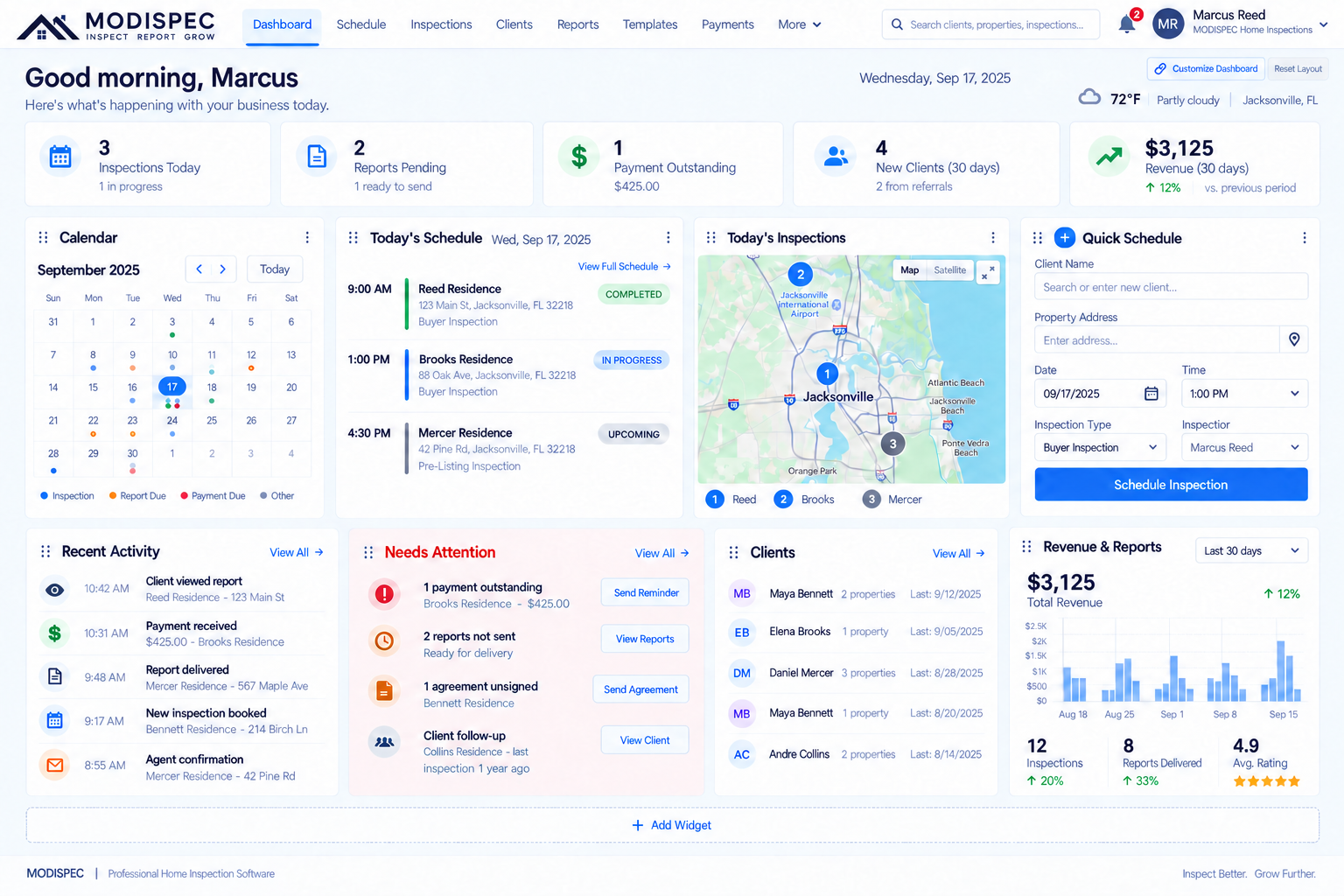
The day starts with the schedule, and the work stays connected as the job moves forward.
THE COMPLETE STORY
Each step uses the same client, property, inspection, photo, and report context rather than making you enter it again.
Capture the caller, property, services, and job details in the existing inspection flow.
Pick the appointment time while you can still see the rest of the day.
Take the photo, review the suggested place and finding, confirm it, and keep moving.
Electrical Ready
Roofing Ready
HVAC Review
Make the final changes to the findings and report when the inspection is complete.
Home Inspection ReportReady for clientPublish and deliver the report through the existing report workflow.
✓ Report viewed
✓ Payment received
When recordedFollow report views and invoice/payment status where those records are supported.
FIELD AND OFFICE, TOGETHER
Field keeps the capture loop quick while Office holds the schedule, clients, activity, reports, and team work. The same job carries the context from one part of the day to the next.
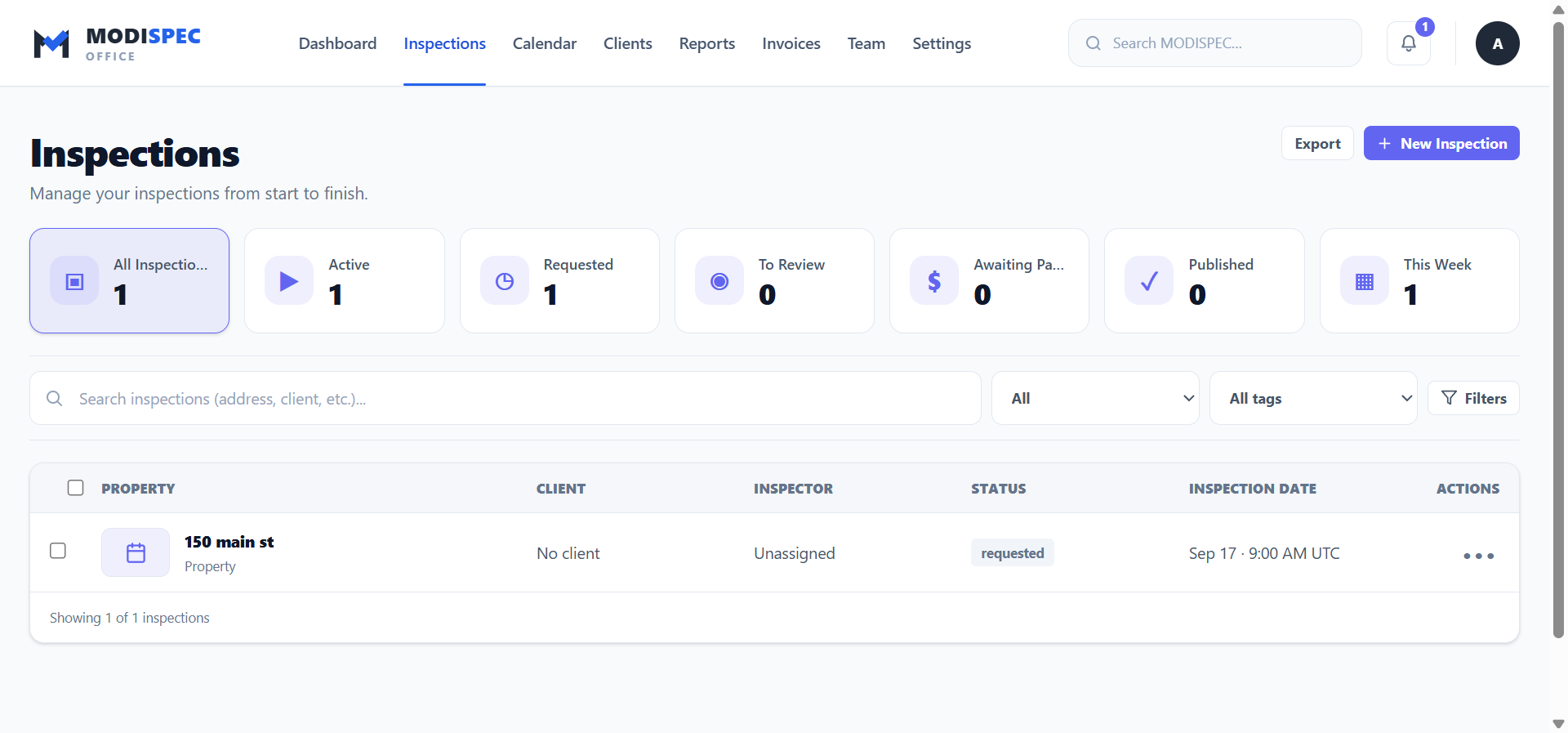
The Office workspace keeps the business context available after the field work is done.
MODISPEC
From booking to report follow-up, keep the work together.